Before I retired, I worked in IT and was the go-to guy for product research at the company. So this question intrigued me. I hope this is helpful.
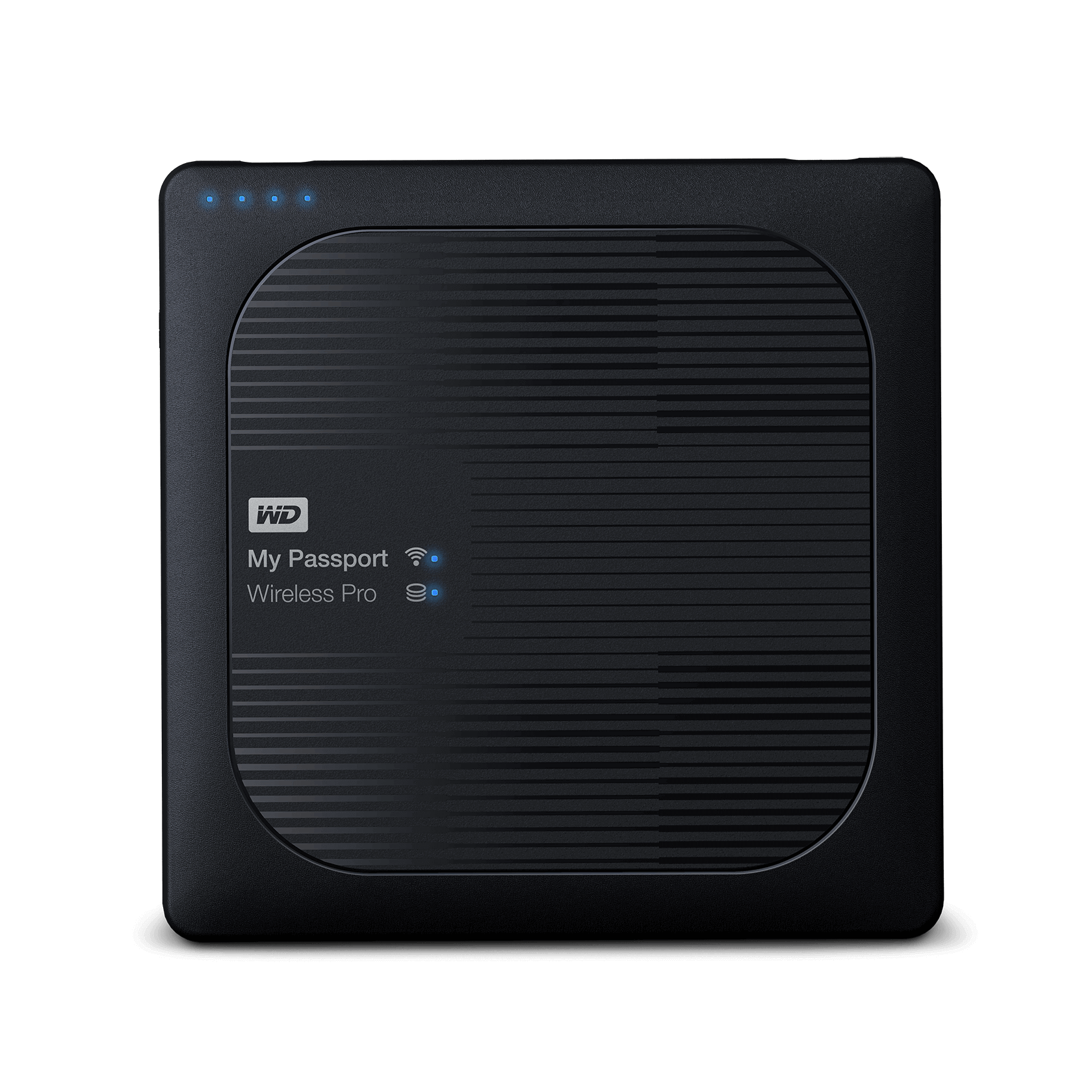
It looks like quite a few companies have released and discontinued portable storage drives for photographers, including Western Digital, Seagate, and obscure companies like Sanho, and Nexto.
Have Camera Will Travel has a pretty good roundup of devices. The items he's reviewed all seem to be discontinued, but it's worth reading.
B&H still sells a device from ClouZen that has Wi-Fi and two card slots (SD and CFExpress B), but I wouldn't pay $625 for it.
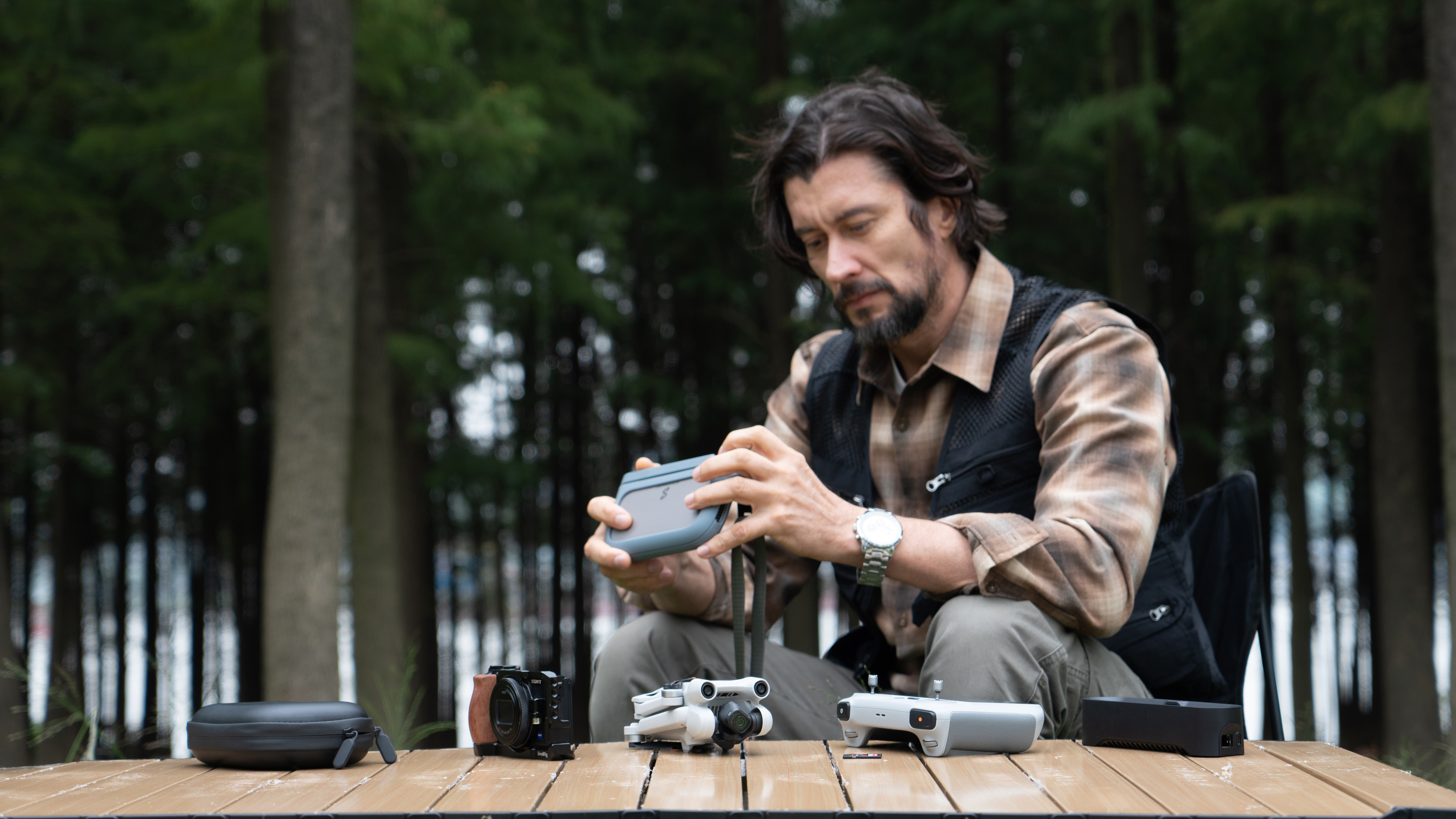
A $300 crowd-funded device called PocketCloud is in the pre-order phase, but the SSD costs extra.
SSK offers a portable SSD with Wi-Fi hotspot that could work, and it's cheap.
It might be worth considering a small Wi-Fi tablet that would accept an external drive. Yeah, that would be two pieces of gear, but the tablet OS would support a wider range of file transfer protocols, and that is going to be the sticking point: does the storage device have a protocol that matches what the R7 requires? As a last resort, a tablet would also allow you to install software from Canon.
Reviews, tips, and tricks related to backing up photos, including cloud backup, personal backup devices, and external hard drives.

havecamerawilltravel.com
PocketCloud is an ultimate portable SSD NAS designed for content creators and professionals. It offers flexible and secure data storage in a compact, portable design. It combines the power of a Network Attached Storage with the portability of a mobile device, giving you the freedom to store...

www.stationpc.com
The PocketCloud is a portable NAS device with SD card backups that uses a modular dock for secondary storage

www.digitalcameraworld.com